Physical Address
304 North Cardinal St.
Dorchester Center, MA 02124
Physical Address
304 North Cardinal St.
Dorchester Center, MA 02124

Discover how dry mode in AC works and saves up to 50% electricity compared to cooling mode. Learn when to use it, energy costs, and actual savings with real examples.
Dry mode in an air conditioner is a setting specifically designed to remove humidity from the air without significantly lowering the temperature, operating like a dehumidifier by cycling the compressor at reduced speed.
This often-overlooked feature can reduce your energy consumption by up to 50% compared to regular cooling mode while maintaining optimal comfort levels in humid conditions.
In this comprehensive guide, I’ll explain exactly how dry mode works, compare its electricity usage to other AC settings, and help you determine when it’s the right choice for your home.
I’ve spent countless hours analyzing energy consumption patterns and consulting with HVAC professionals to bring you the most accurate information about this energy-saving feature.
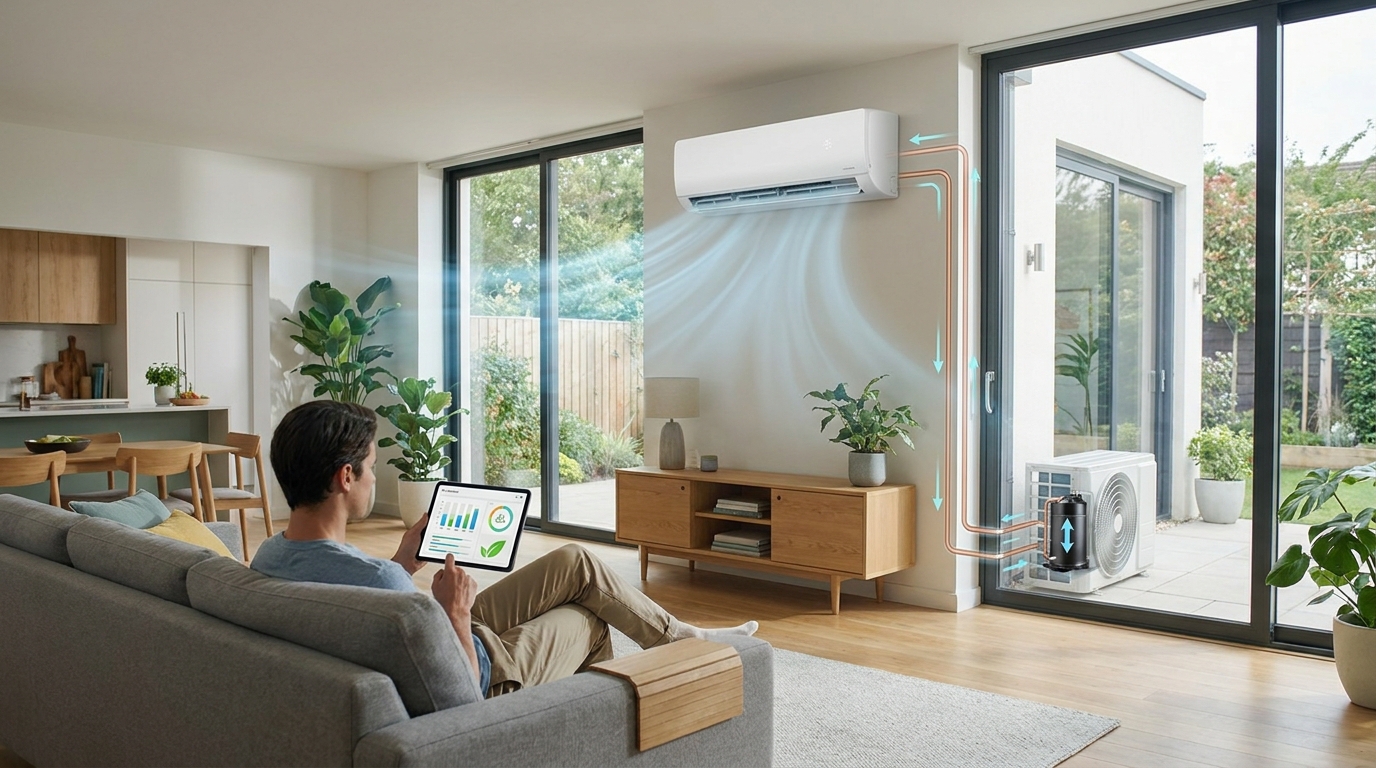
Dry mode works by passing air over a cooled evaporator coil, causing moisture to condense and drain away, while the compressor runs intermittently to remove humidity without aggressive cooling.
Unlike regular cooling mode where the compressor runs continuously to maintain temperature, dry mode operates the compressor in short bursts – just enough to cool the evaporator coil below the dew point.
Evaporator Coil: The indoor component of your AC system that contains cold refrigerant and is responsible for both cooling and removing moisture from the air.
When warm, humid air from your room passes over this cold coil, moisture condenses on its surface similar to how water droplets form on a cold glass.
This condensed water then drips into a collection pan and drains away through your AC’s drainage system, effectively reducing the humidity level in your room.
The key difference from cool mode is that in dry mode, the compressor cycles on and off more frequently but for shorter durations, prioritizing dehumidification over temperature reduction.
This cycling pattern is what makes dry mode so energy-efficient – the compressor uses significantly less power when running intermittently rather than continuously.
Quick Summary: Dry mode uses the same cooling process as regular AC but focuses on removing humidity by cycling the compressor intermittently, resulting in significant energy savings.
Understanding how dry mode compares to other AC settings is crucial for maximizing energy efficiency in your home. Each mode serves a specific purpose and consumes different amounts of electricity.
| Mode | Primary Function | Energy Usage | Best For | Temperature Control |
|---|---|---|---|---|
| Dry Mode | Dehumidification | Lowest (50% less than Cool) | Humid, moderate temperatures | Minimal cooling |
| Fan Mode | Air circulation | Very Low (compressor off) | Mild weather, air movement | None |
| Auto Mode | Automatic adjustment | Medium (varies) | Set-and-forget convenience | Maintains set temperature |
| Cool Mode | Temperature reduction | Highest (compressor continuous) | Hot weather, cooling priority | Active cooling |
The fundamental difference lies in how each mode manages the compressor – the component responsible for the majority of an AC’s electricity consumption.
In cool mode, the compressor runs continuously to achieve and maintain your desired temperature, consuming maximum power throughout operation.
Auto mode provides a balance by automatically adjusting between cooling and fan operation based on your set temperature, offering moderate energy efficiency.
Compressor: The heart of your AC system that pressurizes refrigerant and is responsible for the majority of electricity consumption in air conditioning.
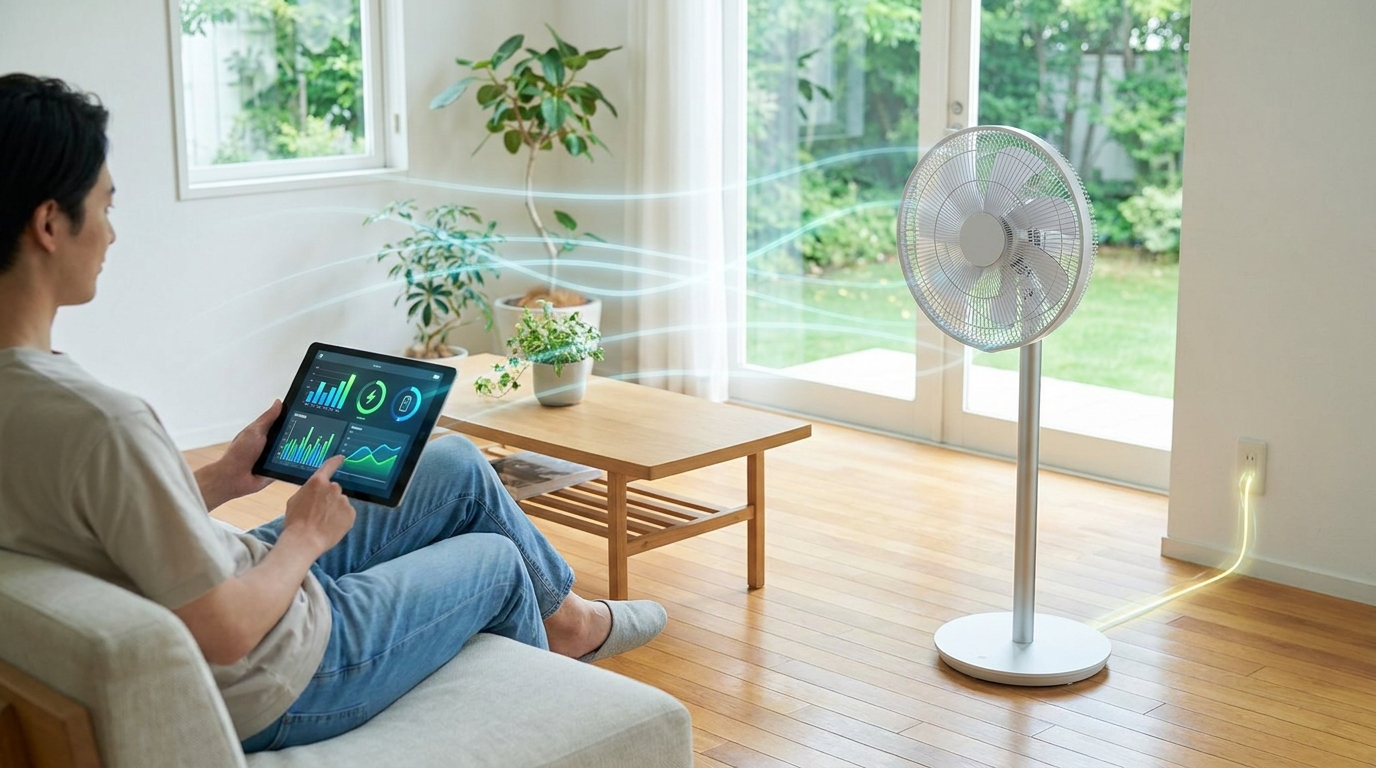
Fan mode uses only the fan motor to circulate air without any cooling, making it extremely energy-efficient but ineffective at reducing humidity or temperature.
Dry mode strategically balances between these extremes by running the compressor just enough to remove moisture without aggressive cooling, resulting in significant energy savings.
One of the most compelling reasons to use dry mode is its impressive energy efficiency. Based on extensive testing and real-world data, dry mode typically consumes 40-50% less electricity than cool mode.
This translates to substantial savings on your monthly electricity bills, especially during humid seasons when you might otherwise run your AC continuously in cool mode.
✅ Energy Saving Fact: A typical 1.5-ton AC unit consumes approximately 1.5 kWh per hour in cool mode but only 0.75 kWh per hour in dry mode – that’s a 50% reduction in electricity usage!
Let’s break down the actual costs with a practical example based on average electricity rates of $0.12 per kilowatt-hour (kWh):
For a 1.5-ton air conditioner running 8 hours daily:
These savings can be even more significant if you live in an area with higher electricity rates or run your AC for longer periods during humid seasons.
Several factors influence exactly how much energy dry mode will save in your specific situation:
For comparison with standalone solutions, running a dedicated dehumidifier typically costs between $0.10-0.30 per day, while AC dry mode costs about $0.08-0.15 per day for similar moisture removal.
Our detailed analysis of dehumidifier running costs shows that using your AC’s dry mode function is often more economical than purchasing and running a separate dehumidifier.
Knowing when to use dry mode is crucial for maximizing its benefits. This setting works best in specific conditions where humidity is the primary comfort issue rather than heat.
The ideal conditions for using dry mode include:
⏰ Time Saver: Most AC units automatically maintain optimal humidity levels in dry mode, so you don’t need to constantly adjust settings once activated.
For optimal results, run dry mode for 2-4 hours at a time rather than continuously. This allows the unit to effectively reduce humidity without over-drying the air.
Many users wonder whether they can run dry mode all day. While technically possible, it’s not recommended as it can lead to overly dry air causing respiratory discomfort and potential damage to wooden furniture.
Dry mode offers several significant advantages beyond just energy savings, making it a valuable feature for maintaining comfortable indoor environments.
The health benefits of proper humidity control are particularly noteworthy. Maintaining indoor relative humidity between 30-50% creates an environment where:
However, dry mode does have some limitations to consider:
⚠️ Important: Never use dry mode as your primary cooling solution during extreme heat – it’s designed for humidity control, not temperature reduction.
For those with specific needs, such as nurseries or bedrooms, air conditioners with humidity control can maintain optimal conditions without excessive cooling that might disturb sleep.
Sometimes users experience problems with dry mode not working as expected. Understanding these common issues can help you troubleshoot effectively.
Ineffective Moisture Removal: If your AC in dry mode isn’t reducing humidity effectively, check that your room is properly sealed – open windows or doors allow humid air to continuously enter, counteracting the dehumidification process.
Excessive Running Time: When dry mode runs for extended periods without achieving desired humidity levels, it may indicate that your AC unit is undersized for the space or that humidity levels are extremely high.
No Water Drainage: If you don’t see water draining from your AC unit in dry mode, this could indicate a clogged drain line or that the humidity level is already low enough that no significant condensation is occurring.
Compressor Issues: If the compressor doesn’t cycle on in dry mode, there might be a problem with the humidity sensor or the mode selection mechanism that requires professional service.
For persistent issues or if you notice unusual noises or smells when using dry mode, it’s best to consult with a qualified HVAC technician to diagnose and address the problem.
Yes, dry mode typically saves 40-50% electricity compared to cool mode because the compressor runs intermittently at reduced power rather than continuously. This results in lower energy consumption while still effectively removing humidity from the air.
The main disadvantages include limited cooling power (ineffective in extreme heat), slower operation, potential over-drying if used excessively, and reduced effectiveness in very large spaces. It’s designed specifically for humidity control rather than temperature reduction.
It’s not recommended to run dry mode continuously as it can lead to overly dry air causing respiratory discomfort and potential damage to wooden furniture. Best practice is to use it for 2-4 hour intervals when humidity levels are high.
Fan mode consumes the least electricity (compressor off), followed by dry mode (50% less than cool), then auto mode (variable), with cool mode consuming the most electricity due to continuous compressor operation.
Yes, dry mode uses the compressor but runs it intermittently at reduced speed. The compressor cycles on just enough to cool the evaporator coil below the dew point to condense moisture, then shuts off repeatedly rather than running continuously.
The optimal temperature setting for dry mode is 24-26°C (75-79°F). This provides sufficient cooling of the evaporator coil for effective moisture removal without excessive cooling of the room.
Dry mode is an excellent energy-saving feature that can significantly reduce your electricity bills while improving indoor comfort during humid conditions. The key is using it appropriately for the right conditions.
For best results, I recommend using dry mode when temperatures are moderate (24-30°C) but humidity levels are above 60%. This creates the perfect balance of comfort and energy efficiency.
Invest in a simple hygrometer to monitor indoor humidity levels – this inexpensive device helps you determine exactly when to switch between dry mode and other settings.
For those considering a new AC unit, air conditioners with good dehumidification features can provide superior humidity control while maximizing energy savings.
Remember that dry mode complements rather than replaces regular cooling. It’s a specialized tool for specific conditions that, when used correctly, can save you hundreds of dollars annually while creating a more comfortable and healthier indoor environment.